
If your affiliate campaigns depend on accurate local views, stable account environments, or mobile funnel testing, then your proxy setup matters more than you think.
Most affiliates start with whatever proxy is cheapest or easiest. And that usually works — until the day it doesn’t. A failed login. A wrong GEO. A CAPTCHA that won’t clear. A redirect that behaves differently on a test IP than it does for real users. Suddenly, you’re troubleshooting the proxy instead of running campaigns.
That’s where NodeMaven comes in. Not as the cheapest option on the market. But as the quality option — the one that treats IP cleanliness as a feature, not an afterthought.
This review covers exactly where NodeMaven fits in affiliate marketing workflows, which proxy type to use for which task, and whether the premium is worth paying.
When Affiliate Marketers Actually Need Proxies
Affiliate teams move between ad accounts, network dashboards, tracking links, landing pages, offer pages, checkout flows, and reporting tools. A weak proxy setup makes these checks harder to trust. A failed redirect, CAPTCHA, or wrong GEO view can look like a campaign problem when it is really an IP-quality problem.
The need is clearest in three workflows: account management, GEO and redirect verification, and mobile funnel testing. If your work is only casual browsing in one country, NodeMaven may be more than you need. If your campaigns depend on accurate local views and stable account environments, the quality-first approach makes more sense.
Why NodeMaven Fits Affiliate Workflows
NodeMaven’s main argument is IP quality over raw pool size. That is the right angle for affiliate work because bad IPs usually cost time through retries, CAPTCHA checks, failed logins, and unreliable GEO tests.
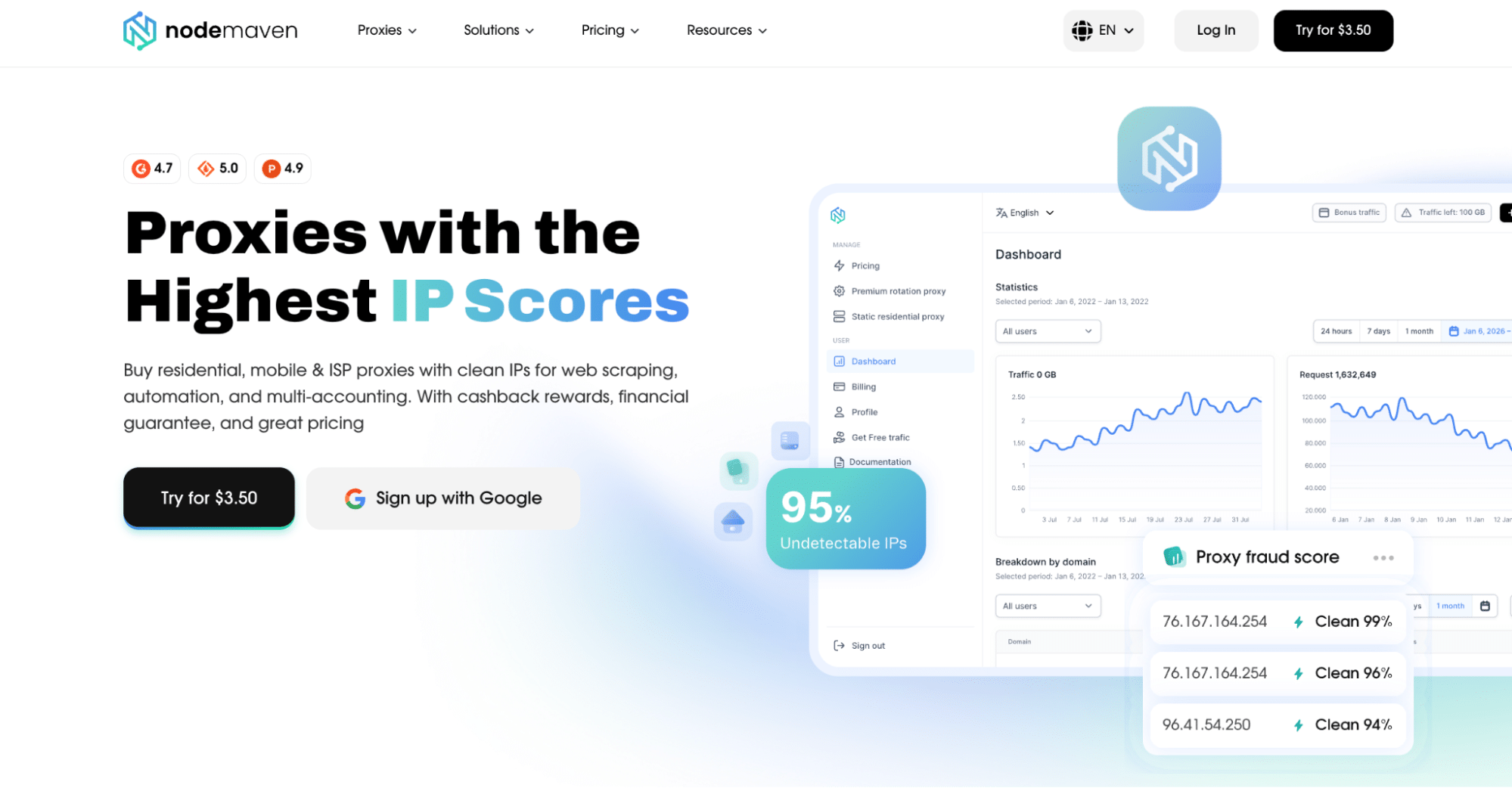
NodeMaven proxies pass through a Quality Filter before assignment. Residential and mobile proxies start from $2.20 per GB, while ISP proxies start from $2.99 per IP. For affiliate teams, the real value is in cleaner day-to-day checks: logging into dashboards, testing redirects, comparing GEO views, and reviewing mobile funnels without constant retries.
NodeMaven ISP Proxies for Account Management
For account management, ISP proxies are usually the best fit. Affiliate agencies and media buying teams often manage several authorized environments: client ad accounts, affiliate network dashboards, tracking platforms, analytics tools, brand profiles, and reporting systems. These workflows benefit from consistency, not constant IP rotation.
Example setup:
- Client A dashboard → Browser Profile A → NodeMaven ISP proxy A
- Client B dashboard → Browser Profile B → NodeMaven ISP proxy B
This setup keeps each workspace separate and each account stable.
Why ISP Proxies Work Better for Logins
NodeMaven ISP proxies are static, private, sold per IP, and include unlimited traffic. They are described as country-level static residential IPs with HTTPS and SOCKS5 support, 99.9% uptime, unlimited traffic, and average speed under 0.3 seconds.
For account management, the main benefits are:
- Static IPs for returning sessions
- Private dedicated allocation
- Unlimited traffic for daily dashboard work
- HTTPS and SOCKS5 support
- Country-level location selection
- Replacement or refund if the ISP IP does not meet NodeMaven quality standards
Rotating proxies are useful for research, but they are usually the wrong default for logins. If the same account keeps appearing from different IPs during normal work, that can create avoidable checks. A stable ISP proxy keeps the network side of the environment consistent.
NodeMaven Residential Proxies for GEO Testing and Redirect Checks
Residential proxies are the better choice when the affiliate needs to check what users in a target location actually see. Offers can change by country, region, language, currency, device, compliance notice, or advertiser rule. A sweepstakes offer might open in one GEO and block another. A finance offer might show a different disclaimer in the EU. An e-commerce campaign might send US users to one checkout and German users to another.
NodeMaven residential proxies start from $2.20 per GB and share traffic balance with mobile proxies. They support HTTPS and SOCKS5, country, state, city, ISP, and ZIP targeting across 190+ countries, plus sticky sessions and rotation controls. For a multi-step test, keep the same IP while opening the tracking link, following the redirect path, checking the landing page, and reaching the signup form.
GEO Testing Before Launch
Before buying traffic in a new GEO, residential proxies help affiliates check:
- Whether the offer opens in the target country
- Whether the correct language appears
- Whether prices or currencies match the region
- Whether consent banners or local disclaimers appear
- Whether the signup, checkout, or app handoff works
- Whether the page loads from the selected city or ZIP code when local targeting matters
This is especially useful for local lead generation, e-commerce, finance, travel, and other verticals where user location changes the funnel.
Redirect and Tracking Verification
Most affiliate campaigns are not one-click journeys. A typical path looks like this:
Ad → tracking link → affiliate network → advertiser landing page → signup or checkout
That path can break in small ways: the user lands on the wrong page, the affiliate ID disappears, UTM parameters are dropped, the offer is blocked in the target region, or mobile users are sent through a different path than desktop users. Residential proxies make the test more realistic because the marketer can check the full path from the target location before scaling spend.
For this part, use sticky sessions when testing a multi-step funnel and rotation when comparing many public pages, offers, or market views.
Competitor and Market Research
Residential proxies also help with public research: search results by country or by city, competitor landing pages, local pricing, regional coupons, marketplace listings, product availability, public offer pages, and SERP differences.
For larger public data workflows, rotating residential proxies are usually more useful than static proxies. For a multi-step check, a sticky residential session is cleaner.
NodeMaven Mobile Proxies for Mobile-First Affiliate Campaigns
Mobile proxies are useful when the offer behaves differently on mobile traffic. A desktop test can confirm that a landing page opens, but it may not show the same visual, redirect logic, app store handoff, carrier behavior, or mobile page layout that a real mobile user sees.
NodeMaven mobile proxies start from $2.20 per GB and use real-device 5G, 4G, and LTE IPs. They support country, state, city, ISP, and ZIP targeting where available, with sticky sessions, custom rotation, or rotation on every request.
Mobile proxies help affiliates check:
- Mobile landing page behavior
- App store redirects
- Mobile-only offers
- Carrier-sensitive redirects
- Click-to-call or SMS flows
- Mobile ad placements
- Differences between desktop and mobile funnel paths
For example, a finance lead offer may open normally on desktop but send mobile users to a different page. An app campaign may redirect Android and iOS users differently. A carrier-sensitive flow may behave differently depending on the mobile network.
Pricing, Pros, Cons, and Verdict
| NodeMaven Product | Starting Price | Best Affiliate Use Case |
|---|---|---|
| ISP proxies | From $2.99 per IP | Account management, dashboards, long-term sessions |
| Residential proxies | From $2.20 per GB | GEO testing, redirect checks, public research |
| Mobile proxies | From $2.20 per GB | Mobile funnel testing, app flows, mobile ad verification |
Residential and mobile plans include a 750 MB trial for $3.50 and share the same traffic balance, so a team can test both proxy types without buying separate bandwidth pools. Residential and mobile plans also include cashback where the program applies. ISP proxies do not include cashback, but each ISP IP is quality-checked before use and can be replaced or refunded if it does not meet NodeMaven standards.
Pros
- ISP, residential, and mobile proxies in one provider
- ISP proxies are a strong fit for stable account environments
- Residential proxies support detailed GEO checks and sticky sessions
- Mobile proxies support real-device 5G, 4G, and LTE workflows
- Residential and mobile plans include access to both proxy types
- HTTPS and SOCKS5 support
- 24/7 support through live chat, Telegram, and email
Cons
- ISP proxies support country-level targeting only
- ISP proxies do not include cashback
- Residential and mobile plans are traffic-based, so heavy users need to watch usage
- The product is probably overkill for simple one-country browsing or very low-volume research
- Proxies do not replace platform permissions, compliance, tracking setup, or account hygiene
Final Verdict
NodeMaven is a strong fit for affiliate teams that care more about clean IPs, stable sessions, and GEO accuracy than finding the cheapest possible proxy traffic.
Use ISP proxies for multi-account work and dashboards. Use residential proxies for GEO and redirect checks. Use mobile proxies for app, carrier, or mobile-first funnels.
When your campaigns depend on accurate local views, stable account environments, or mobile funnel checks, NodeMaven gives you a practical proxy setup with high-quality IPs — without forcing every workflow into one proxy type.
FAQ
Is NodeMaven good for affiliate marketing?
Yes, especially for teams that need stable account access, GEO testing, redirect checks, mobile funnel testing, and public research. ISP proxies are best for account management, while residential and mobile proxies are better for testing and research.
Which NodeMaven proxy is best for account management?
NodeMaven ISP proxies are the best fit because they are static, private, and include unlimited traffic. Use one stable proxy per approved account or client workspace.
Can NodeMaven proxies help with GEO testing?
Yes. Residential proxies are the best fit for GEO testing because they support country, state, city, ISP, and ZIP targeting where available. They help affiliates check offer pages, redirects, language, currency, and regional availability before launching traffic.
Should affiliates use rotating proxies for logins?
Usually no. Logins normally benefit from stability. Use ISP proxies or sticky residential sessions for account access. Use rotation for public research, repeated checks, and broader data collection.
Are mobile proxies useful for affiliate campaigns?
Yes, when the campaign depends on mobile traffic. Mobile proxies help test app redirects, mobile landing pages, carrier-sensitive flows, and mobile-only offers.
